Guides
Meeple Incremental guides: beginners, automation, skill tree, minigames, orbs, tickets, achievements, prestige, and review.
View all GuidesGuides, prestige tips, and meeple tier lists for Simply Artizan’s cozy board incremental.
Unofficial Meeple Incremental wiki: dice rolls, meeples, automation, skill trees, capsules, minigames, and optional prestige on Steam.
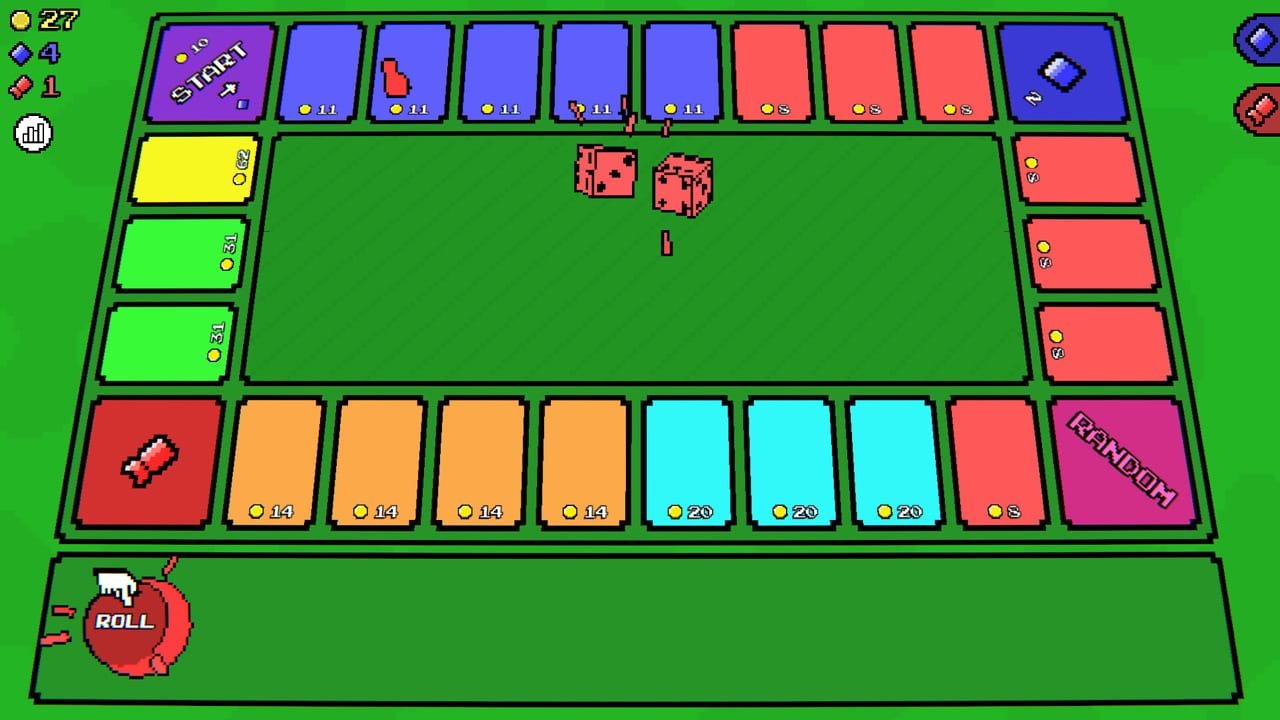
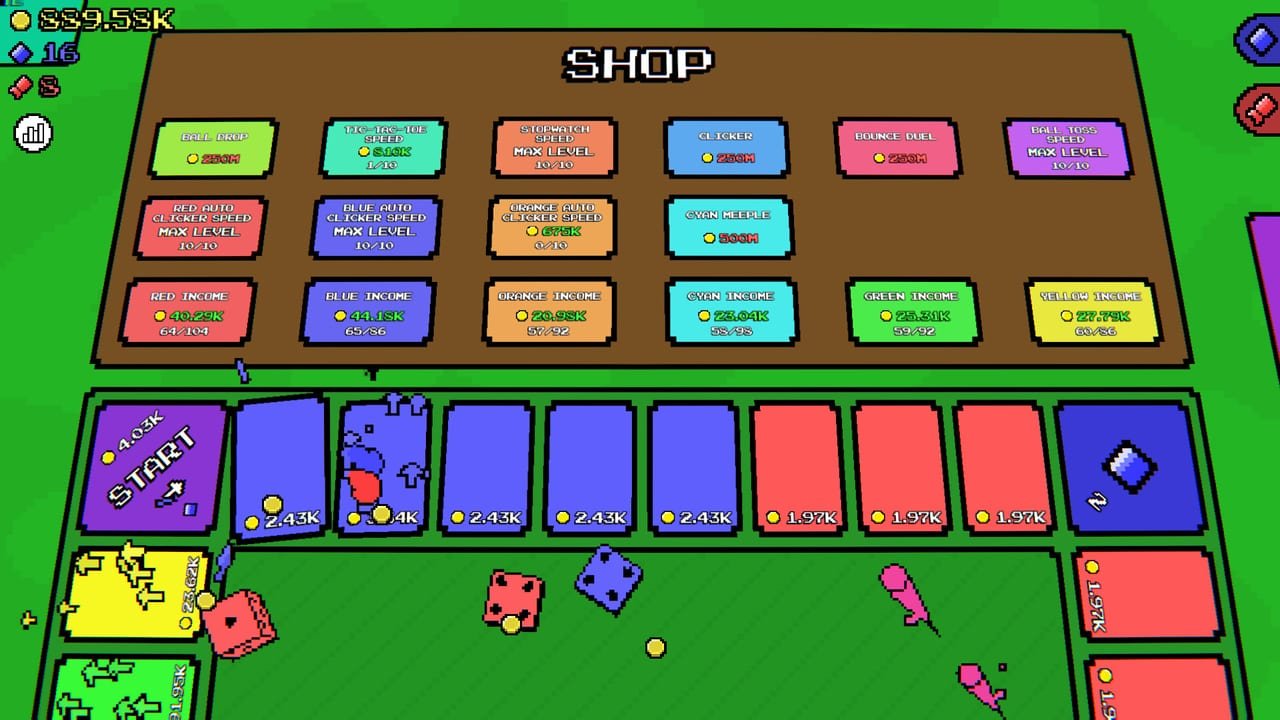
Meeple Incremental is a cozy Monopoly-like incremental by Simply Artizan. Roll dice to move colored meeples around a board collecting money, skill points, and capsule tickets. Buy more meeples and auto-clickers, invest in a skill tree, unlock collectibles, and automate minigames such as Stopwatch, Tic-Tac-Toe, Ball Drop, and Sage. The full Steam release on September 14, 2026 adds minigame skill trees, shop speed upgrades, and Prestige after you own every meeple—optional if you only want 100% of the 30 achievements. Start with the beginner guide, then automation, achievements, collection orbs, capsule tickets, the meeples tier list, minigames, controls, system requirements, the review, and full release notes. There are no redeemable cheat codes—tickets and Steam discounts are the real rewards. More destinations live on links and the meeples hub.
Meeple Incremental guides: beginners, automation, skill tree, minigames, orbs, tickets, achievements, prestige, and review.
View all GuidesMeeple Incremental tier lists ranking meeples, minigames, and collectibles for early, mid, and prestige progression.
View all Tier ListMeeple Incremental meeples hub: colors, roles, purchase order, prestige extras, and links to tier lists and guides.
View all MeeplesMeeple Incremental tools: controls reference, progression checklist, and practical helpers for board play. Practical tips for new and retur
View all ToolsMeeple Incremental updates hub: full release vs demo, prestige features, minigame trees, and patch themes. Updated for the Steam full relea
View all UpdatesMeeple Incremental has no redeemable cheat codes—learn launch discounts, capsule tickets, and achievement rewards. Updated for the Steam fu
View all CodesOfficial Meeple Incremental links: Steam store, Simply Artizan site, Discord, and trusted wiki pages. Clear priorities without spoilers or
View all LinksGrab Meeple Incremental (~$5.99, watch for the 10% intro discount). It is single-player with Steam Cloud. Official links live on the Links Hub.
Move your first meeple, note money vs skill vs ticket tiles, and practice zoom/pan in Controls. Then follow Getting Started.
Expand colors (Red, Blue, Orange, Cyan, Green, Yellow) when affordable. Prioritize income so shop prices stay reachable—see the Meeples Tier List.
Automation is the mid-game spike. Let dice roll while you manage menus using the Automation Guide.
Open the Skill Tree for economy nodes, then spend capsule tickets via the Collectibles Tier List. No cheat codes required—see Codes.
Automate Stopwatch-class games first (Minigames), learn Collection Orbs, and chase the Achievements list. After owning every meeple, Prestige if you want the long loop—it is optional for 100%. Track it on the Progression Checklist.
Quick answers to the most common questions.
Read Getting Started, then Automation and the Progression Checklist.
No redeemable cheat codes. Capsule tickets, Steam discounts, and achievements are explained on the Codes Hub.
No. Prestige is optional for 100% Steam achievements. Details: Achievements and Prestige.
Community consensus often favors Stopwatch for passive value. See Minigames and the Minigames Tier List.
Roaming rewards from minigames that sweep random tiles. Guide: Collection Orbs.
This wiki supports: English, Français, Deutsch, Español. Configure locales in site.meta.json and run npm run generate:i18n.
No—it is a fan resource. Confirm news on Steam and Discord via the Links Hub or About this Wiki.
September 14, 2026. Compare demo vs 1.0 on Full Release.
Learn income routing, auto-clickers, skill trees, collectibles, and optional prestige. Start with the beginner guide, skim the progression checklist, then compare picks on the tier list hub.
Start with the beginner guide